Xcode 26.3 Agentic Coding: Finally replacing Claude Code + Cursor?
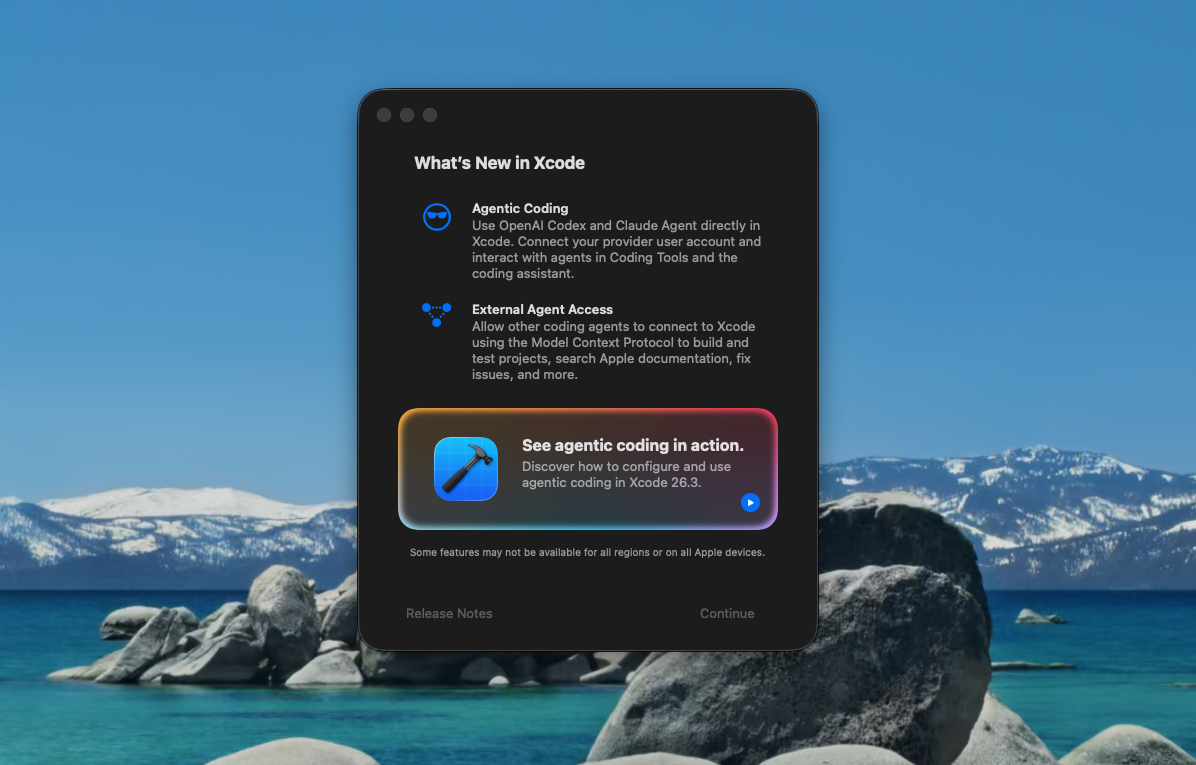
Apple recently released the Xcode 26.3 RC, and the headline feature for many of us is the agentic coding support via Claude Agent and Codex.
While my background is in backend engineering, I’ve recently shifted gears to build a native iOS/macOS app. My “old” workflow was the classic fragmented setup: Claude Code and Cursor for the heavy lifting, with Xcode relegated to builds, previews, and platform-specific tweaks. While Claude Code handles terminal-based builds well enough, the constant context-switching between editors was a persistent point of friction.
I put the new Claude Agent through its paces on several real-world tasks within my current project to see if it could finally consolidate my development environment.
How It Works
The Claude Agent is installed as a standalone binary at ~/Library/Developer/Xcode/CodingAssistant/Agents/Versions/26.3. It’s built on the Claude Agent SDK, effectively bringing the core capabilities of Claude Code into Xcode.
Here are a few relevant details:
Config Recognition: The agent is remarkably “plug-and-play.” It immediately indexed my CLAUDE.md and custom commands; for instance, a custom command for pre-commit linting and git messaging worked instantly without any reconfiguration.
The Slash Command Quirk: Unlike the terminal version, the Xcode agent doesn’t support the / prefix. Instead of /check-style, simply type check-style or use check-style to....
Managing the Installation: You can uninstall the agent via Xcode Settings > Components > Other Components or alternatively, delete it directly from the installation location.
Permissions: Xcode allows you to toggle web search and bash command access individually. This provides a welcome layer of security for developers wary of granting agents unrestricted access to the terminal or the open web.
The Verdict
For well-scoped tasks, the experience is functionally identical to using Claude Code + Cursor. The agent maintains deep project context, drafts implementation plans, and executes tasks effectively. The most immediate “win,” however, is the elimination of editor-hopping.
I will now be developing in Xcode for the foreseeable future.
–
For setup instructions, see Apple’s Coding Intelligence documentation.